Keyboard Cat meme
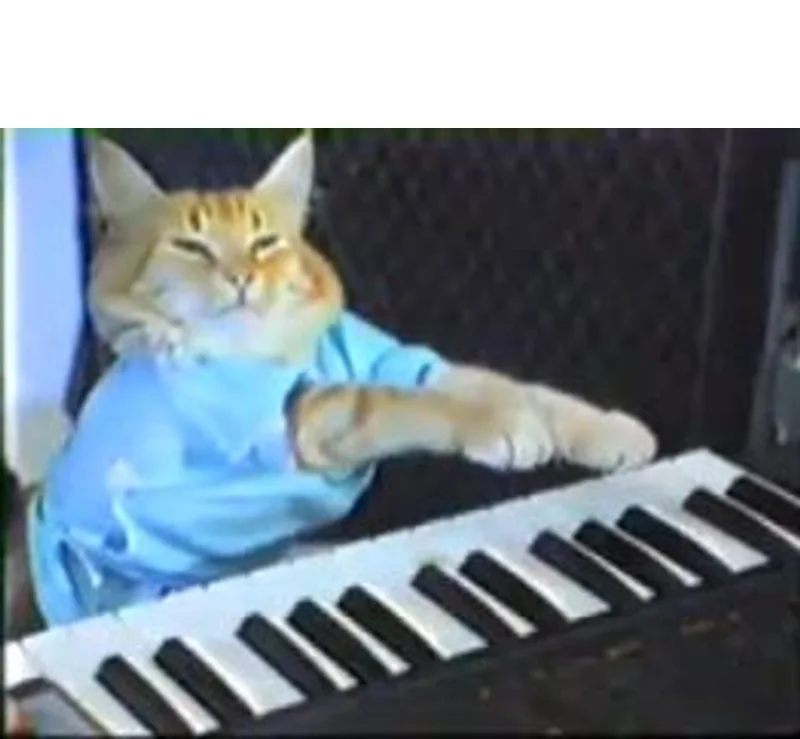
Keyboard Cat stars Fatso, an orange tabby dressed in a light-blue baby shirt whose paws enthusiastically “play” an upbeat synth riff on an electronic keyboard—immortalized online by “Play Him Off, Keyboard Cat” as the internet’s friendliest musical exit cue after an awkward flop.
“That joke landed in total silence, so please play the cheerful synth music and escort me offstage.”
Caption examples for your group chat
Original Memish examples. Tap “Use these lines” to load one into the meme maker at the top, then make it yours.
Push-vs-pull classic
ME CONFIDENTLY PUSHING A PULL DOOR:
PLAY ME OFF, KEYBOARD CAT
Applying the vintage exit riff to the most universally humiliating two-second public stumble.
Server small-talk flop
SAYING “YOU TOO!” WHEN THE WAITER
SAYS ENJOY YOUR MEAL — CUE THE KEYS
Politely escorting yourself offstage after an automatic politeness glitch.
Silent pun aftermath
TELLING A PUN SO BAD THE ENTIRE
GROUP CHAT GOES SILENT FOR AN HOUR
Letting Fatso’s upbeat 1984 synth melody break the awkward quiet.
What does it mean?
Like a vaudeville orchestra gently nudging a rambling speaker toward the wings, Keyboard Cat turns minor embarrassment into warm slapstick comedy. Whether someone trips over their own punchline, confidently pushes a door clearly marked pull, or sends a bold prediction that ages poorly five seconds later, Fatso’s cheerful keyboard jam lets everyone laugh it off and move on.
Because the joke is classic physical comedy rather than harsh mockery, it shines brightest on harmless, self-deprecating stumbles and friendly group-chat slip-ups.
How the format works
3 beats to nail the punchline
- 1Beat 01
Describe a harmless awkward stumble, silent bad pun, or confident prediction that immediately backfired.
- 2Beat 02
Cue Fatso’s classic sign-off—“PLAY ME OFF, KEYBOARD CAT”—on line two to close the curtain.
- 3Beat 03
Keep both lines crisp in the white header so Fatso’s blue shirt, squinting grin, and keyboard keys remain clear.
When to drop it in the chat
Green light
Send it when
Drop it right after you misspell a word while correcting someone else, accidentally say “you too” when a waiter says enjoy your meal, or tell a terrible pun that brings the chat to a standstill.
Plot twist
When another reaction fits
Skip using it to pile onto someone’s genuinely upsetting setback—the meme works best for goofy, low-stakes slip-ups and self-owns. For a deadpan one-letter salute to a minor wipeout, try Press F to Pay Respects; for flat feline disapproval, Grumpy Cat delivers.
Where did it come from?
Performance artist Charlie Schmidt recorded the original VHS footage of his orange tabby, Fatso, in 1984 in Spokane, Washington, slipping a light-blue baby shirt over the cat and guiding its paws across an electronic keyboard. Schmidt uploaded the video to YouTube on June 7, 2007 as “Cool Cool Cat” (later “Charlie Schmidt’s Keyboard Cat!”). On February 2, 2009, blogger Brad O’Farrell edited the clip onto the end of a wheelchair-fail video titled “Play him off, keyboard cat,” igniting one of YouTube’s defining classic memes; Schmidt later adopted a successor cat, Bento, who carried the mantle for years. The captions here are original Memish examples.
Keyboard Cat: 1984 Fatso VHS footage, 2007 upload and “Play Him Off” remixes on Know Your Meme
knowyourmeme.com
Keyboard Cat: Charlie Schmidt, Fatso, Bento and meme legacy on Wikipedia
en.wikipedia.org
Image credit: Charlie Schmidt, 1984 VHS footage of Fatso (uploaded to YouTube June 7, 2007; “Play Him Off” remix by Brad O’Farrell, February 2, 2009); still sourced via Imgflip; caption space added by Memish.
Find the right reaction
Browse all 269 memes →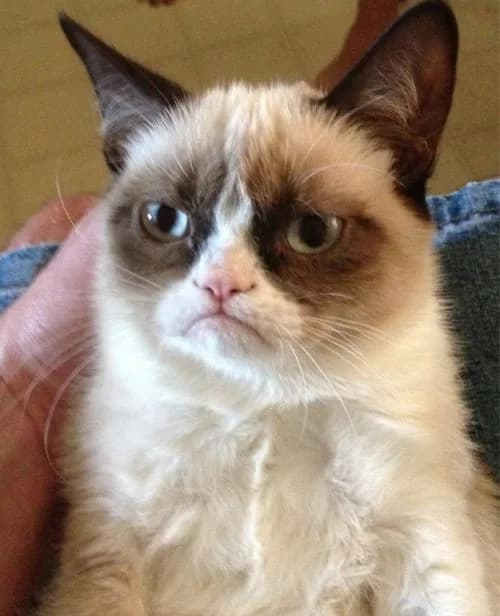
Grumpy Cat
For another unforgettable classic internet cat when you want flat refusal instead of an exit riff.
“No. I will not be taking follow-up questions.”
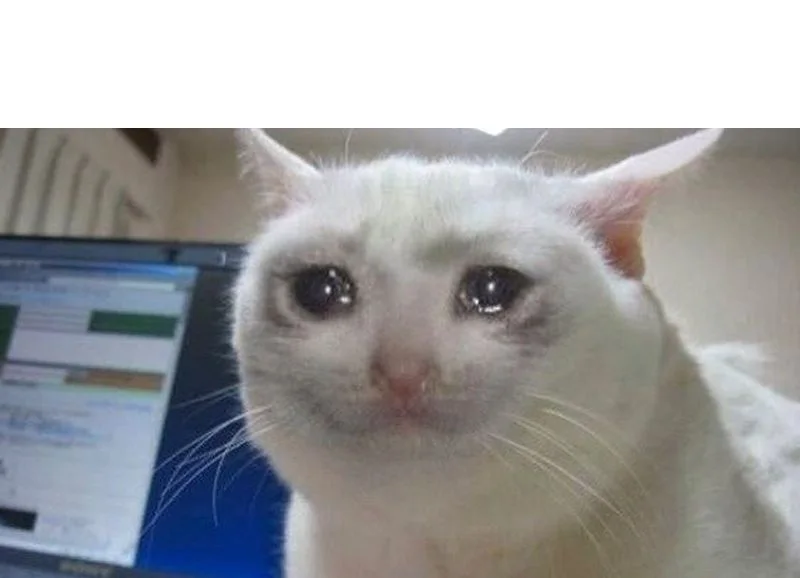
Crying Cat
For dramatic watery-eyed mock heartbreak after a minor everyday blunder.
“I said “no worries!” in the chat, and yet I am emotionally devastated over this pastry.”
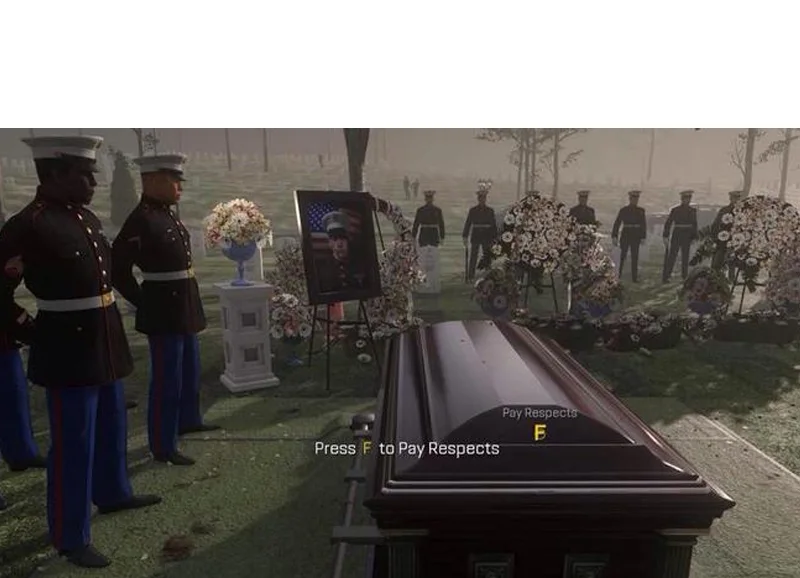
Press F to Pay Respects
For giving a friend’s tiny wipeout a solemn one-key video-game tribute instead of upbeat synth music.
“That was a tragic minor defeat, so I will solemnly tap one letter on my keyboard in your honor.”
More Petty memes
Same vibe · keep clicking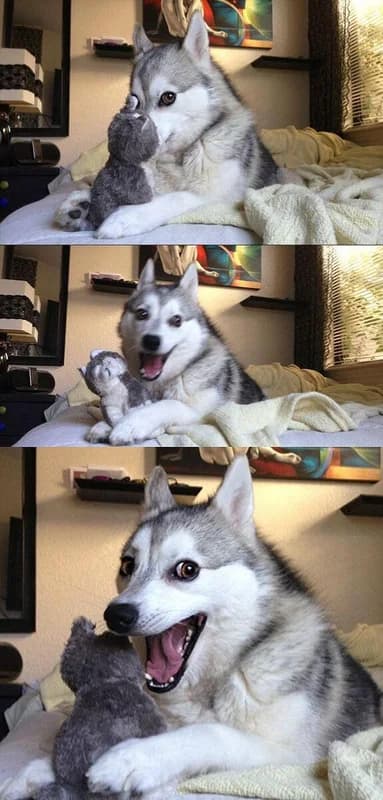
Need something ready to send right now?