How to make a meme on your phone
To make a meme from a photo on iPhone or Android, open Create in Memish and choose Photos. Add a caption with Text, adjust the crop, then use Save meme to keep it in your library or export it to your phone. Creating memes is free; free exports include the memish.app watermark.
By the Memish team · Updated
- iPhone & Android
- Free to make

Before you start
- Install Memish and sign in with a phone number.
- Creating memes is free. Free exports include the memish.app watermark; optional Pro removes it. Compare free and Pro exports
- Start with a photo you own or have permission to use.
From photo to punchline
Illustrations of the Memish editor. Screen layout and labels can vary by version.
- 1
Start with a picture
Open Create in Memish. Choose Photos for a picture you already have, Camera for a new one, or a template from the creation screen. A sleeping pet is a good first try: the expression already tells half the joke.
Use the space above the sleeping dog for the setup, and leave its face clear.
- 2
Give it one good caption
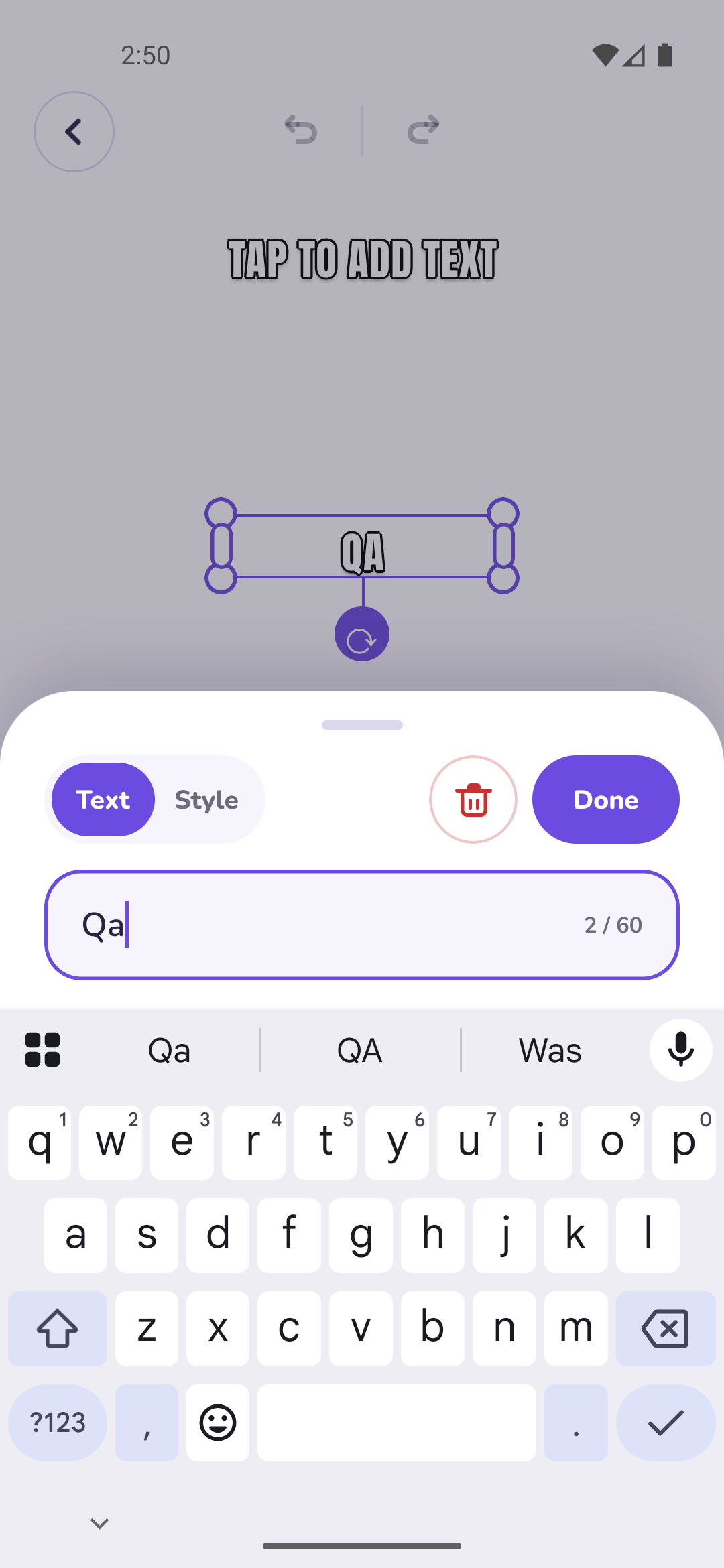
Open Text, then Add caption, or tap an existing caption on the canvas. Type your line, use Style to change its appearance, and tap Done. Select the caption on the canvas to move or resize it.
Try “just a five-minute nap” above the picture, then “three hours later” below it.
- 3
Make it readable
Use Crop if the background is doing too much. Memish supports square (1:1), portrait (4:5) and tall (9:16) crops. Keep text away from faces and use a contrasting outline or background. Add a sticker or emoji only if it helps the joke.
Crop out some of the door and bedding, but keep the sleepy face in view. Check that both captions read at phone size.
- 4
Save it or send it
Tap the download-arrow button to open Save meme. Choose Save to my library to keep it in Memish, or Save to photos for a file on your phone. To reply in Memish, open your friend or group chat and tap Send a meme. Choose a saved meme, or use Create to make a new one. Check the named recipient before sending.
For another messaging app, save the image to Photos, then attach it in that app like any other picture.
What changes between iPhone and Android?
The caption, crop and save workflow is shared. Your phone supplies the photo picker and permission dialogs, so those screens look different.
Same on both
- Caption
- Crop
- Save
How to make a meme on iPhone
Use the iOS photo picker to choose your picture. If photo access is limited, make sure the picture you want is included in your selection.
- Open Create in Memish, tap Photos, and select a picture from the iOS picker.
- Tap Text, then Add caption. Write your line, adjust Style, and tap Done.
- Move the caption clear of faces. Use Crop if you need a different frame.
- Tap the download arrow, then Save to photos. Allow adding the image to Photos if iOS asks.
- Wait for the saved confirmation, then find the export in Photos. Attach it in your messaging app.
How to make a meme on Android
Photos opens the Android system picker. Choose the specific image you want to import; this picker does not need broad access to your library.
- Open Create in Memish, tap Photos, and choose an image in the Android picker.
- Tap Text, then Add caption. Write your joke, adjust Style, and tap Done.
- Position the text and use Crop to remove distractions. Check the caption at phone size.
- Tap the download arrow, then Save to photos. Older Android versions may ask for storage permission.
- Wait for the saved confirmation, then check your photo or gallery app. Attach the export wherever you chat.

What a finished meme can look like
- 1
A short setup and punchline
“Just a five-minute nap” sets it up. “Three hours later” delivers the punchline, with a strong outline to keep both lines readable.
- 2
One clear picture
One sleepy dog tells the story. Leave its face clear and use the space above and below it for the captions.
- 3
The watermark
Free Memish exports include memish.app in the corner. Pro removes it.
Inside the app, and out in the chat
Here is a real Android caption editor and a finished export. The editor capture shows a test caption on a blank canvas; the separate corgi example shows a saved image. Both are dated examples, so your version may look different.
Adding a caption
The saved image
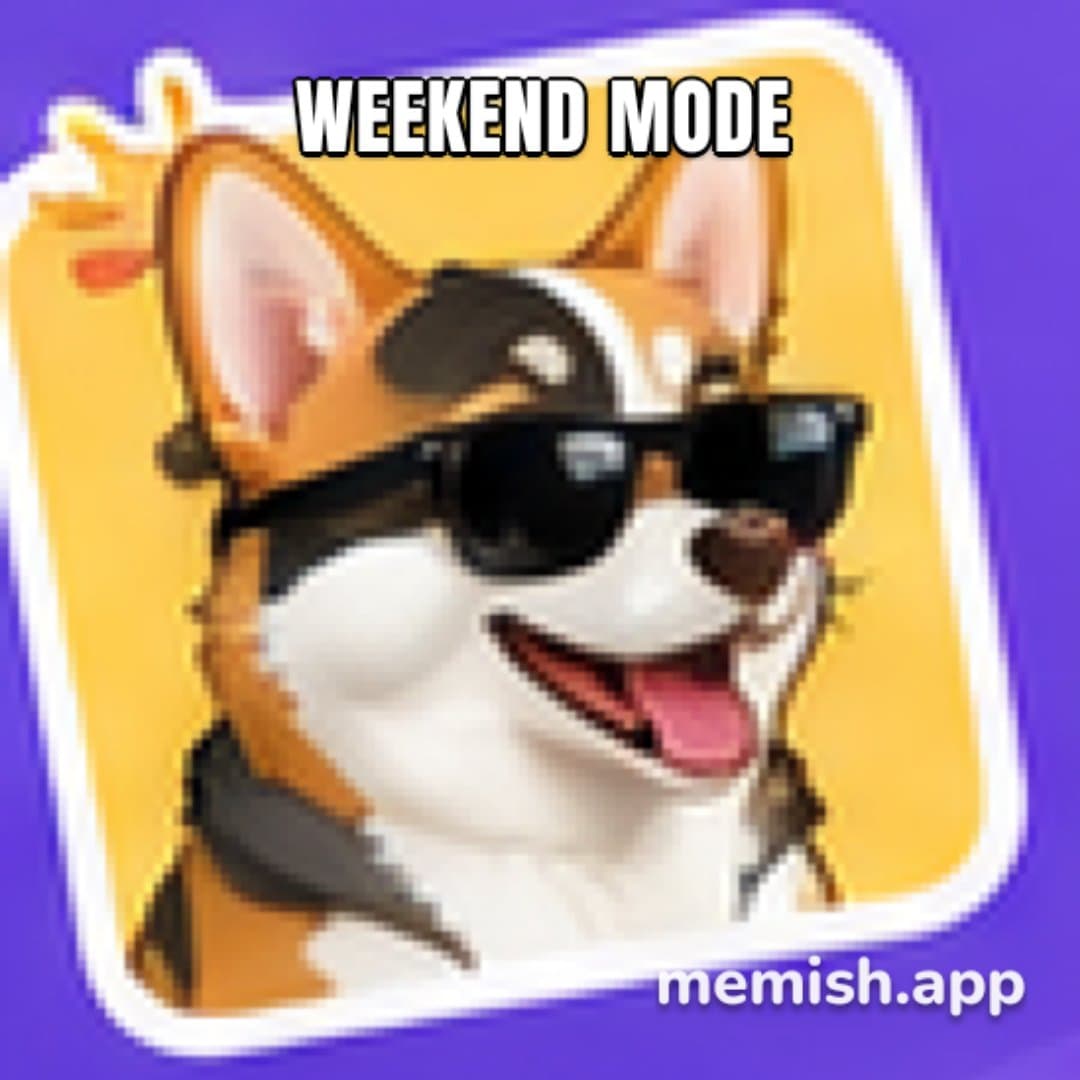
Real Memish export of our original corgi artwork. Android 1.0.1 (build 4), September 6, 2026. The free example used a locally signed release build.
The saved file contains the meme, without the editor or keyboard. Free exports carry the memish.app watermark. You can attach the image in another messaging app after saving it to your phone.
Save to your library, export a photo, or send a reply?
Pick the destination that matches what you want to do next.
Keep it in Memish
Open Save meme and choose Save to my library. This keeps the meme in your Memish library. Saving there and exporting an image to your phone are separate choices.
Send it in another app
Choose Save to photos and wait for the saved confirmation. Open the messaging app you want to use, choose its photo attachment control, and select the exported image.
Reply in a Memish chat
Open your friend or group chat, then tap Send a meme. Choose a saved meme, or tap Create to make a new reply. Check the recipient shown before sending. Posting to Trending is a separate destination choice.
Need a place to send it? Follow our guide to starting a meme group chat.
Meme-making questions and troubleshooting
Where is my saved meme?
If you chose Save to my library, look in Memish. If you chose Save to photos, check your phone’s photo or gallery app after the saved confirmation. A website template download may instead go to your browser’s Downloads or Files.
Why can’t I select a photo or save the export?
Reopen the picker and select the picture you want. Check any permission prompt; if you previously denied access, review Memish’s photo permissions in your phone’s settings. On older Android versions, saving may require storage permission. If an export failed, check your photo library before retrying.
Can I make a meme for free or remove the watermark?
Creating memes and chatting are free. Free image exports include the memish.app watermark; optional Memish Pro removes it. See the free and Pro export examples before choosing.
How do I use a classic meme template?
Choose a template in Create, or import a template image you have saved to your photo library. Start with the Drake comparison, Surprised Pikachu reaction, or Success Kid celebration to learn the format and find caption ideas. A downloaded template may need to be saved from Files to your photo library before it appears in the picker.
Still stuck? Contact Memish support with your phone model, app version, and the step that failed.
A joke your friends
will actually get
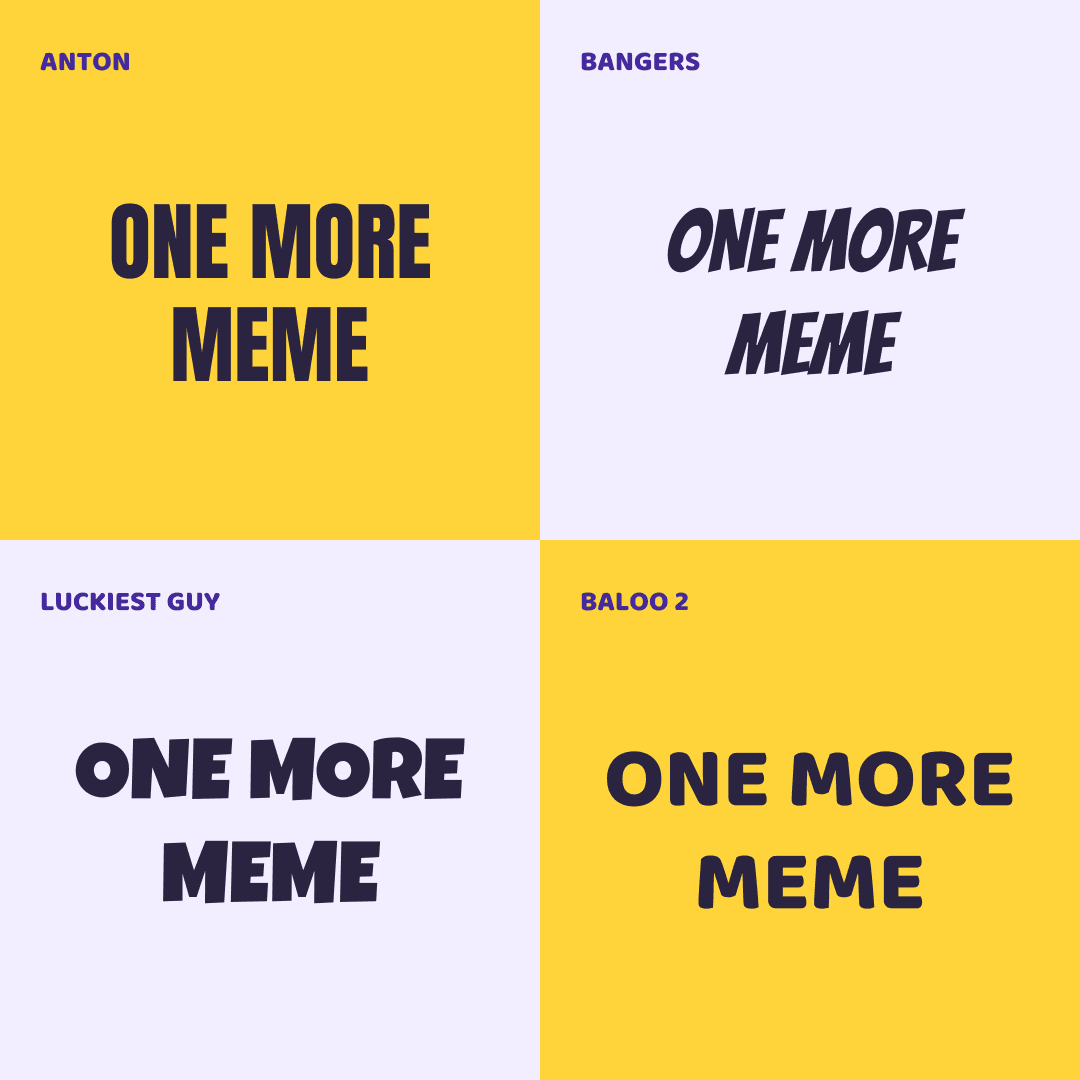
Pick the situation before the font. A good group-chat meme usually needs one shared reference: the friend who is always early, the plan that never leaves the chat, or the snack everyone argues about. Then compare meme fonts and outlines to keep the punchline readable.
Be specific.
“Me after setting five alarms”beats“when you’re tired”Cut the explanation.
Let the sleeping face finish the joke; a short setup is enough.
Check the tone.
Laugh about a shared situation; get permission before making someone else’s private photo the punchline.
Need a starting point?
The group-chat collection has 18 memes you can save now, with caption ideas to make your own.